Modern Workspace Setup Ideas for Productivity & Style
Disclosure: As an affiliate, I may earn a commission from qualifying purchases made through my links at no extra cost to you.

In today’s hybrid and remote work culture, a modern workspace setup is no longer a luxury; it’s a productivity tool. A well-designed workspace improves focus, reduces fatigue, and reflects personal style, whether you work from a home office, bedroom corner, or corporate desk.
This guide shares practical, real-world workspace setup ideas, a step-by-step process, and common beginner mistakes to avoid, so you can build a workspace that looks good and works efficiently.
Why a Modern Workspace Setup Matters
A modern workspace blends functionality, ergonomics, and aesthetics. Research consistently shows that an organized and visually pleasing environment can:
- Increase productivity and concentration
- Reduce stress and mental clutter
- Improve posture and physical comfort
- Support long work hours without burnout
Real-world example:
A freelance graphic designer working from a small apartment replaced a bulky desk with a minimalist standing desk, added a monitor arm, and improved lighting. Result? Faster workflows, fewer neck pains, and a workspace that doubled as Instagram content.
Key Elements of a Modern Workspace Setup
Before jumping into setup steps, let’s understand the essential components.
1. Ergonomic Desk & Chair
- Adjustable chair with lumbar support
- Desk height that keeps elbows at 90°
- Standing desks for flexibility (sit–stand balance)
Example: Many remote workers use height-adjustable desks to alternate between sitting and standing during long Zoom days.
2. Smart Technology
- External monitor (24–27 inch is ideal)
- Wireless keyboard and mouse
- Cable management systems
- USB hubs or docking stations
3. Lighting That Works
- Natural light whenever possible
- LED desk lamp with adjustable brightness
- Warm light for evenings, cool light for focus
4. Minimalist Organization
5. Personal & Aesthetic Touches
- Indoor plants (real or artificial)
- Neutral or muted color palettes
- Framed quotes or artwork
- Desk mats for texture and comfort
Step-by-Step Guide: How to Set Up a Modern Workspace
Step 1: Define Your Work Needs
Ask yourself:
- Laptop or desktop?
- Creative work or admin tasks?
- Long hours or short sessions?
Tip: A video editor needs multiple monitors; a writer may need only one screen and a clutter-free desk.
Step 2: Choose the Right Desk Location
- Near a window (but avoid screen glare)
- Quiet corner with minimal foot traffic
- Enough wall space for shelves or pegboards
Real-world example:
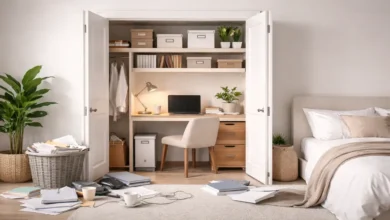
Many apartment dwellers convert unused corners into productive workspaces using wall-mounted desks.
Step 3: Set Up Ergonomics First
- Monitor at eye level
- Feet flat on the floor
- Keyboard slightly below elbow level
This step alone can prevent back and neck pain long-term.
Step 4: Manage Cables & Clutter
- Use cable clips and sleeves
- Hide power strips under desks
- Go wireless where possible
A clean desk instantly looks modern.
Step 5: Upgrade Lighting
- Place a desk lamp opposite your dominant hand
- Use bias lighting behind monitors for eye comfort
Step 6: Add Style & Personality
- Stick to 2–3 colors
- Use matching accessories
- Add one plant or statement piece
Modern doesn’t mean empty; it means intentional.
Real-World Workspace Setup Examples
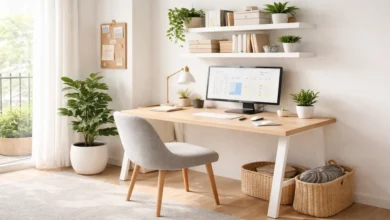
Example 1: Small Home Office Setup
- Compact desk (100–120 cm)
- Monitor arm to save space
- Floating shelves for storage
- Neutral color theme (white, wood, gray)
Example 2: Creative Workspace Setup
- Dual monitors
- RGB or warm accent lighting
- Pegboard for tools
- Inspirational wall art
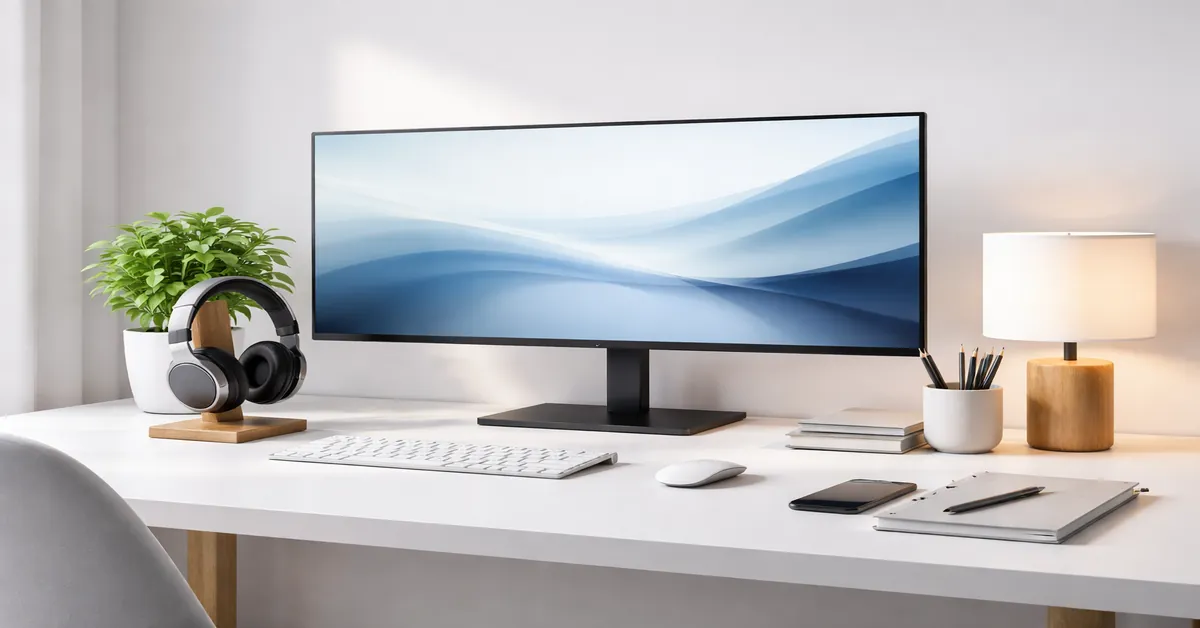
Example 3: Minimalist Corporate Desk
- Laptop stand
- Wireless peripherals
- Desk mat + notebook
- One personal item (plant or photo)
Common Mistakes Beginners Make (And How to Avoid Them)
❌ Mistake 1: Prioritizing Looks Over Comfort
Aesthetic chairs without support can cause long-term health issues.
✅ Fix: Always choose ergonomics first, aesthetics second.
❌ Mistake 2: Poor Lighting Setup
Working under dim or harsh lighting leads to eye strain.
✅ Fix: Combine ambient light with a focused desk lamp.
❌ Mistake 3: Cable Chaos
Messy cables ruin both productivity and visual appeal.
✅ Fix: Invest in basic cable organizers; it’s cheap and effective.
❌ Mistake 4: Overdecorating
Too many items create a distraction.
✅ Fix: Follow the “one functional, one decorative” rule.
❌ Mistake 5: Ignoring Desk Height
Incorrect desk height leads to wrist and shoulder pain.
✅ Fix: Adjust chair height or use monitor stands and footrests.
Final Thoughts
A modern workspace setup for productivity and style is about balance, comfort, efficiency, and personal expression. Whether you work from a small desk or a full home office, thoughtful design choices can dramatically improve your daily work experience.
Start small, focus on ergonomics, eliminate clutter, and let your workspace grow with your workflow.